
Automate the process of filling out PDF forms with structured data. Whether you have an existing PDF with fillable fields or need to turn a plain PDF into a dynamic form, Eledo makes it effortless.
Start Free Book a demo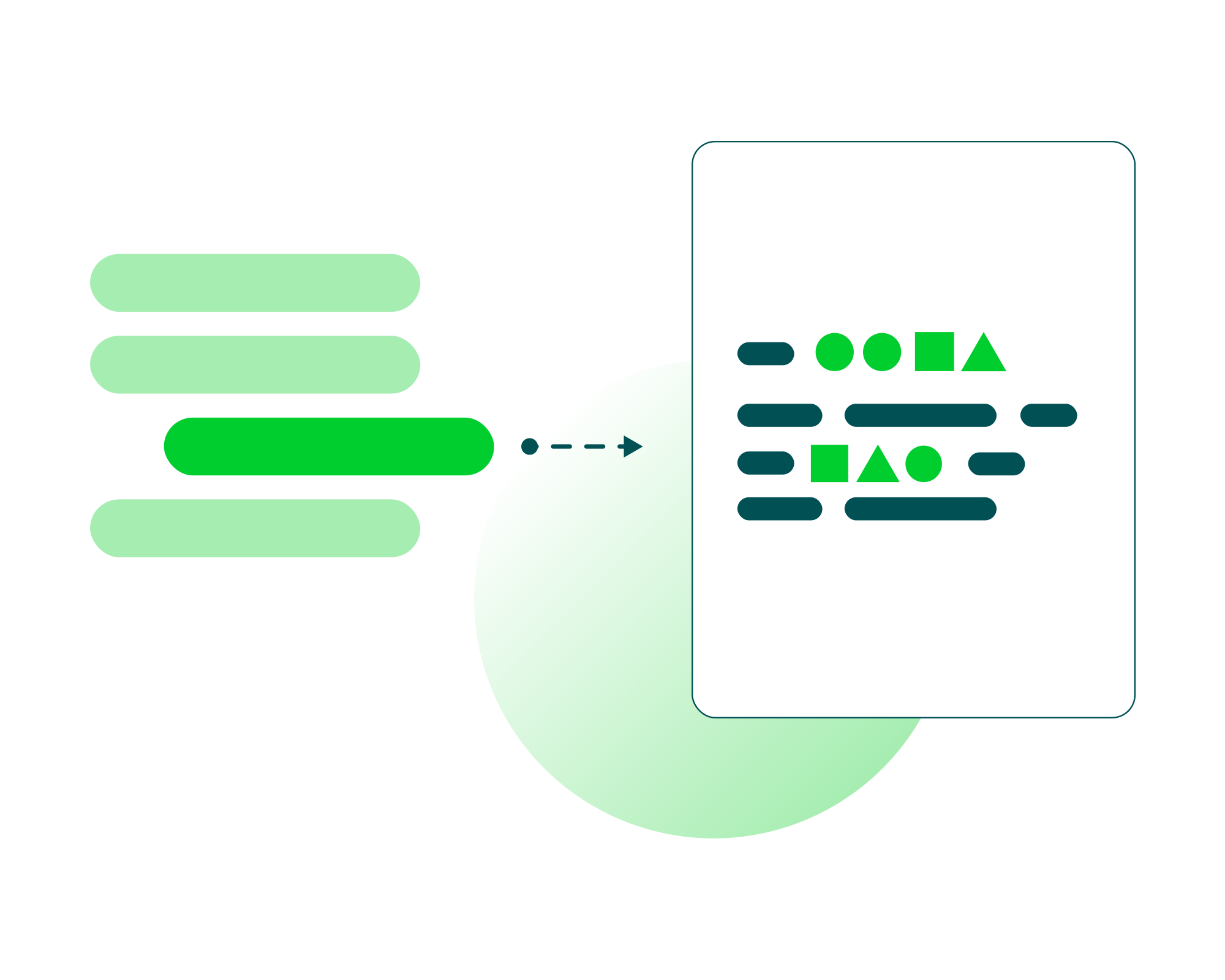




Upload an existing PDF with fillable fields.
Connect fields from data source to the fields in your PDF form.
Use one of Eledo’s integrations, automation tools, or the API.
Pick a trigger from your workflow and let Eledo generate the PDF.
Upload any PDF with AcroForm or XFA form fields. Eledo maps data to fill in text fields, dropdowns, checkboxes, radio buttons, and more. No manual typing required.
Even if your PDF does not already contain fillable fields, Eledo lets you turn it into a smart PDF form. Add fields directly in the editor and connect them to your data.
Eledo lets you control how data appears in your PDF forms. Use smart expressions to insert values, format data, calculate fields, and adapt content based on the information you receive.
Use Eledo as a no-code PDF form filling tool, connect it to your automation stack, or integrate it into your own application.
Automatically fill onboarding PDFs, employee agreements, role-specific forms, or training certificates using employee data such as name, department, role, start date, location, or manager.
View templatesTurn web form submissions into completed PDF applications, registration forms, consent forms, membership documents, or participant records without manual data entry.
View templatesPre-fill contracts, agreements, consent forms, waivers, and legal documents with customer, employee, supplier, or deal data.
View templatesDo you keep filling out the same form repeatedly with different data? Eledo can automate it. Upload the form, map the fields, and let Eledo generate a completed PDF whenever your workflow runs.
Create a templateNo more manual typing, copy-pasting, or repetitive form filling. Let Eledo generate completed forms automatically from data.


This website uses cookies to offer you a better browsing experience. You can agree to our use of cookies by clicking Accept or personalize your experience in Cookie Settings. Want to know more? Check out our Privacy and Cookies Policy